
A practice game on whatever your learners are working on
Tell an AI what they’re working on and what they’re into. Use ChatGPT, Claude, or SnapLesson’s own lesson maker, where you type what you want on SnapLesson’s site and it makes the lesson. You get a short lesson they play like a game, on a phone or computer, built around what they like: fractions with pizza slices, or the planets with their favorite team’s mascot.
Try one
What you might ask, and a lesson like the one you’d get:
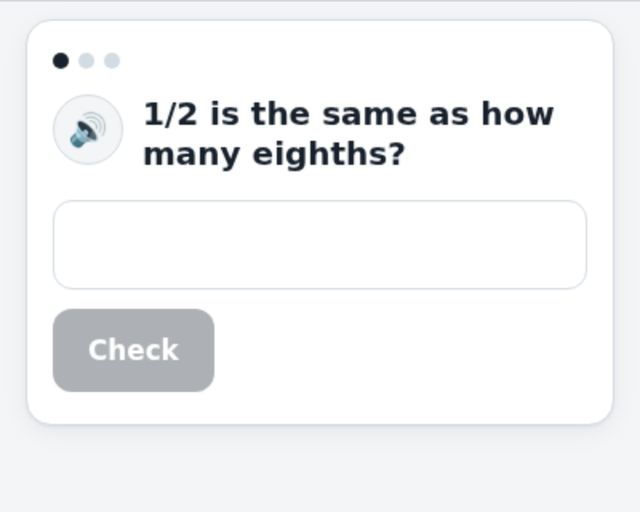

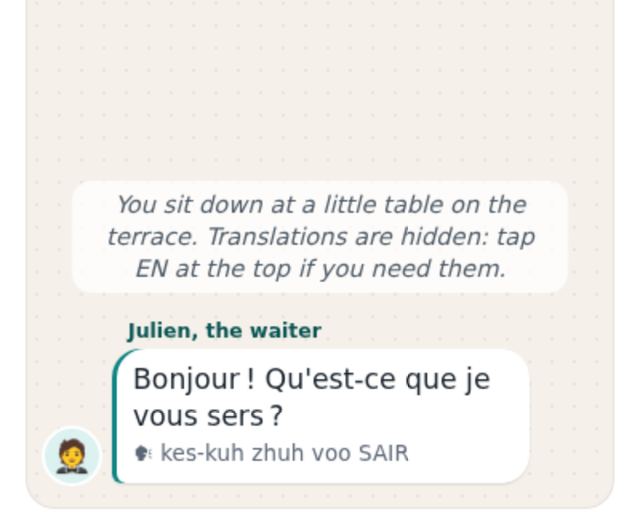
Built around them
Say what they’re into, and the lesson uses it. You get a link to play it yourself first. If something’s off, tell the AI what to change. When they’ve got it, ask the same AI for part 2, which picks up where the first one left off.
Share it and see how they did
Text them the link. It opens in the web browser on any phone or computer, with nothing to install, and the first time they type a name to go by. Afterwards you see whether they finished, their score and which answers they picked, in your AI or on the SnapLesson website. Only you see it.
Grandparents make lessons too: two of SnapLesson’s early lesson makers were grandmothers.
What we keep
They don’t make an account or give an email address. SnapLesson keeps the name they type and how they did, so you can see it. To have it deleted, write to support@snaplesson.ai. The privacy policy has the details.
A free account makes two lessons a day with SnapLesson’s lesson maker, and lessons made in your own AI don’t count toward those.