
Basketball plays your players learn on their phones
Describe a play the way you’d explain it at practice. Use ChatGPT, Claude, or SnapLesson’s own lesson maker, where you type what you want on SnapLesson’s site and it makes the lesson. SnapLesson draws the court with your players and the defenders, and moves everyone through the play one step at a time. At the key moment it stops and asks, “Who’s open now?”, and each player taps an answer.
Players go through it on their own phones, whenever suits them before practice.
Try one
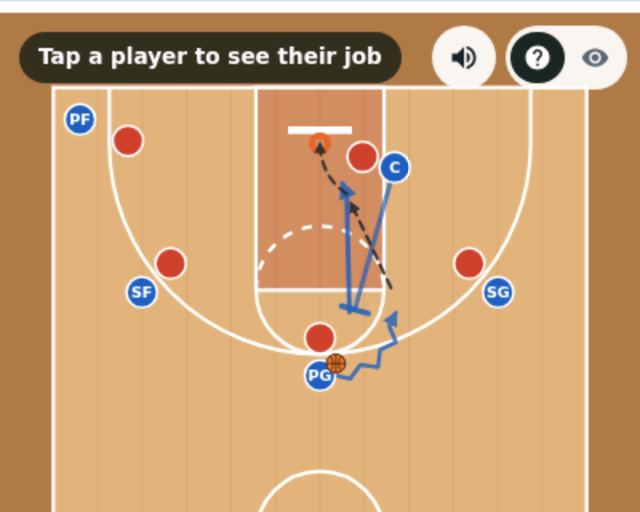
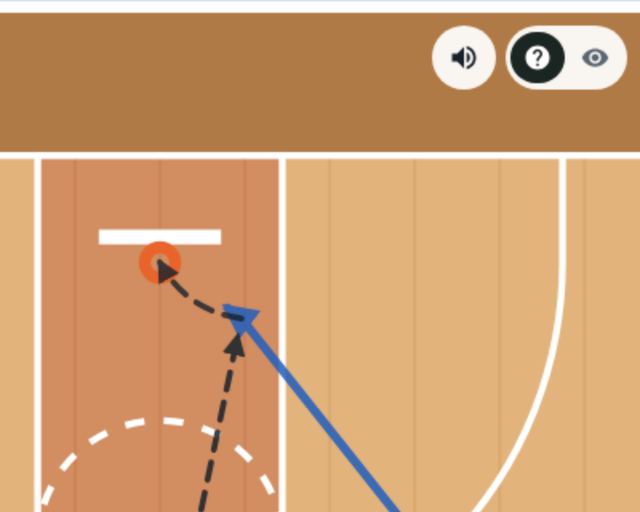
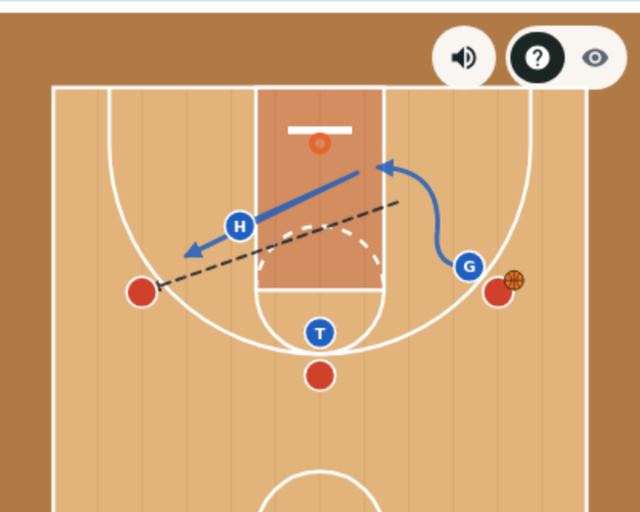
Make it your team’s play
Call the play what your team calls it. Give your players’ first names, and they see themselves on the court (“Maya sets the screen”). You change a play by saying what’s different, like “start the center on the left block”. There’s no dragging players around. You get a link to step through it yourself before anyone else sees it.
Share it and see who’s ready
Paste the link in the team chat, or have parents pass it on. It opens in the web browser on any phone, with nothing to install, and the first time each player types a name to go by. Before practice, you see who finished and what each player answered, in your AI or on the SnapLesson website, so you know who understands it and who needs another look.
Your players’ privacy
Players never give an email address or a phone number. Only you see their answers, and players don’t see each other’s. There’s nowhere to chat or reply, so you and a player never end up in a private message thread.
Why a moving play
When the play moves, players see the timing as well as the spots. When they answer, you find out who understands it.
Other sports
The same works for soccer, flag football, baseball, volleyball, ice hockey and lacrosse: see SnapLesson for coaches.
A free account makes two lessons a day with SnapLesson’s lesson maker, and lessons made in your own AI don’t count toward those.